If you want to lower ping on an iPhone or Mac, start with your Wi-Fi and the game server you connect to, because distance and interference cause most of the delay. Ping is the round-trip time in milliseconds for a packet to reach the game server and come back, and anything under 50 ms feels instant while 150 ms and up shows up as sluggish input. On an iPhone, the usual culprits are a crowded 2.4 GHz band, a microwave or neighbour’s router stepping on your signal, and background apps syncing photos mid-match, not the speed on your internet bill. Moving closer to the router, switching to the 5 GHz band, and picking a game server in your own region will do more for your match than any setting buried in a menu.
Table of Contents
Fix Your Wi-Fi Before You Blame the Game
The 5 GHz band carries less interference and lower latency than 2.4 GHz, so keep your iPhone, iPad or Mac on it whenever you are within about one room of the router. Save 2.4 GHz for devices that sit far away, since it travels further but shares airspace with baby monitors, Bluetooth gear and your neighbours.
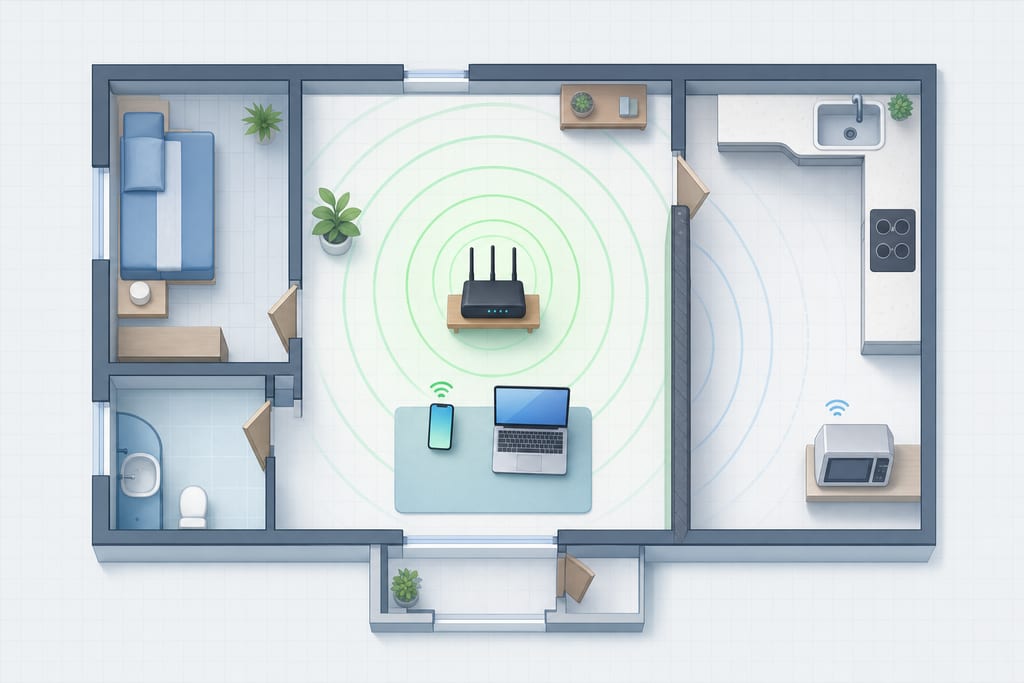
Router placement matters more than most people expect. Put it on a shelf at chest height, out in the open, and keep it away from the microwave and anything with a metal shell. A router on the floor behind a TV cabinet is fighting your signal all match.
On iPhone, go to Settings, Mobile Data, and turn off Wi-Fi Assist so the phone stops jumping to cellular when Wi-Fi dips. That switch alone ends a lot of mid-match rubber-banding.
- Restart the router, wait 60 seconds, then rejoin.
- Forget the network in Settings and rejoin to clear a stale connection.
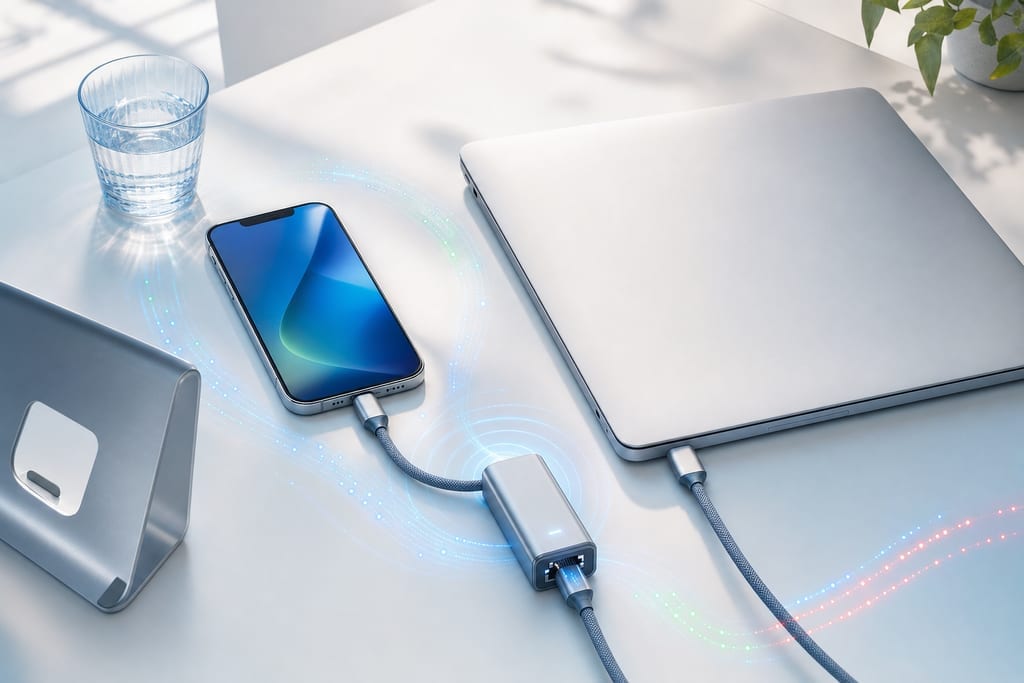
- Plug a USB-C or Lightning Ethernet adapter into a Mac or iPad for a wired line.
- Move within line of sight of the router before you queue.
Free Up Your iPhone and Mac Before a Match
Background activity eats the same bandwidth your game needs, and it shows up as sudden spikes rather than steady lag. Pause iCloud Photos, hold App Store updates and stop any large download before you queue up.
Background App Refresh is the quieter offender. On iPhone, open Settings, General, Background App Refresh, and switch off anything you do not need while playing. On a Mac, close streaming tabs and quit video calls, because a single 4K stream or a Zoom window will compete with your match.
- Switch off Low Power Mode, which throttles performance and makes lag feel worse.
- Turn on Do Not Disturb so notifications stop stealing input.
- Install pending iOS, iPadOS and macOS updates, since network fixes ship in them.
Storage pressure counts too. Keep at least 10% of your drive free so the system is not swapping files while you play.
When Server Distance and Routing Are the Problem
Some delay is physics. A match server two continents away adds milliseconds no local setting can claw back, so pick the in-game region closest to you first. Congested ISP routes do the same thing, which is why your ping can be bad while your signal bars are full.
A VPN changes the path your traffic takes to the server. Sometimes that path is cleaner than the one your ISP picked, and sometimes the extra hop adds delay instead, which is covered in more detail on whether a VPN lowers ping.
- Note your ping on the default route before you change anything.
- Try two or three nearby servers and compare.
- Keep the one that holds steady, not the one with the lowest single reading.
GamingVPN runs on iPhone, iPad and Apple silicon Macs from the App Store with servers in multiple countries and no login, though results depend on your own connection and which server you choose. Never switch regions to dodge matchmaking or a ban, because that breaks most publishers’ rules.
Pick the One Change Worth Testing Tonight
Open your game, join a match, and write down the ping number you see right now. That is your baseline. Then change one thing, rejoin, and look again. Band first, then background apps, then router spot. Changing three things at once tells you nothing about which one helped. If every local fix leaves the number flat, the delay is sitting out on the route between you and the match server, not in your room, and a nearby server on a different path is the next thing to test.
More on Lowering Ping
Is 5G better than home Wi-Fi for mobile gaming?
Neither wins automatically. 5G often beats a weak or crowded home signal, but moving between cell towers causes handoffs that show up as sudden spikes mid-match. A strong Wi-Fi signal close to the router is usually steadier over a long session. Play one match on each and keep whichever holds flatter.
What ping number should I actually aim for?
Aim for a number that holds steady rather than one that dips low once. Shooters and fighting games punish jitter, the swing between readings, more than a slightly higher average. Turn-based and strategy games barely notice it. Your realistic target is the best steady figure your own line gives on a quiet evening.
Can I leave a VPN connected all the time while I play?
Yes. A VPN is made to stay on, and leaving it connected is the safer habit on hotel, airport and cafe Wi-Fi, where your traffic is otherwise open between sessions. Expect a little extra battery use. GamingVPN is free in exchange for ads, and Premium drops them through an App Store subscription, with prices shown in the app.